
Subscribe To Calendar
Save time, reduce admin
iCal Calendar Integration
You can connect your pet sitting calendar to your personal email calendar to see your pet sitting appointments alongside your social events.
Works with Google, Outlook, Apple and more. Supports any calendar capable of reading iCal format.
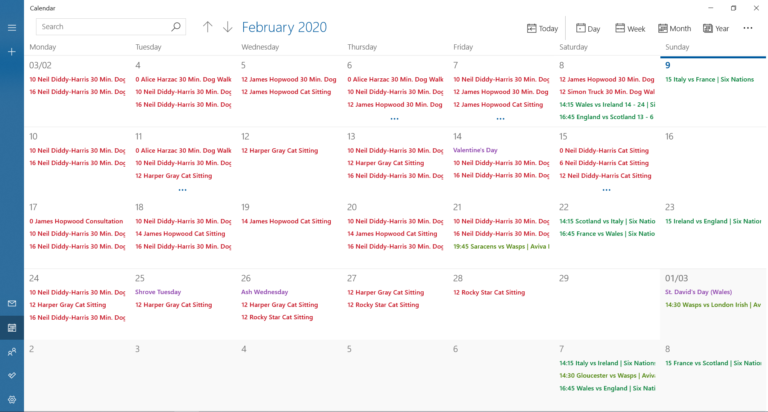
Pet Sitter Dashboard
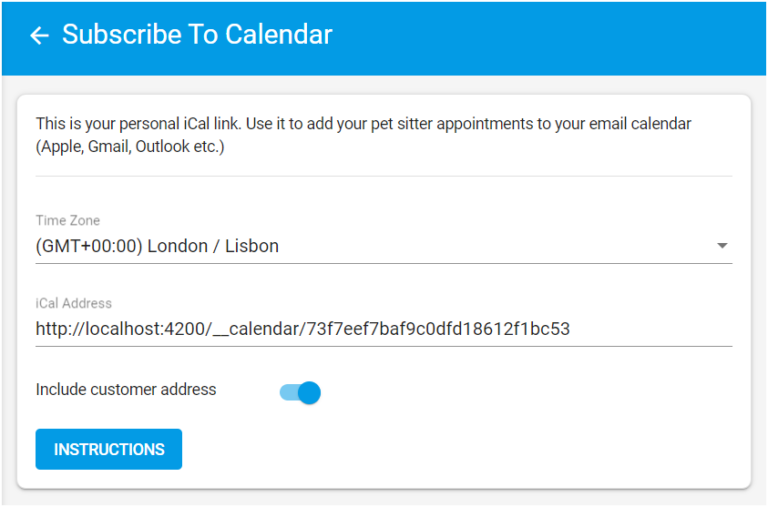
To get started, select the correct time zone and copy your iCal address to the clipboard.
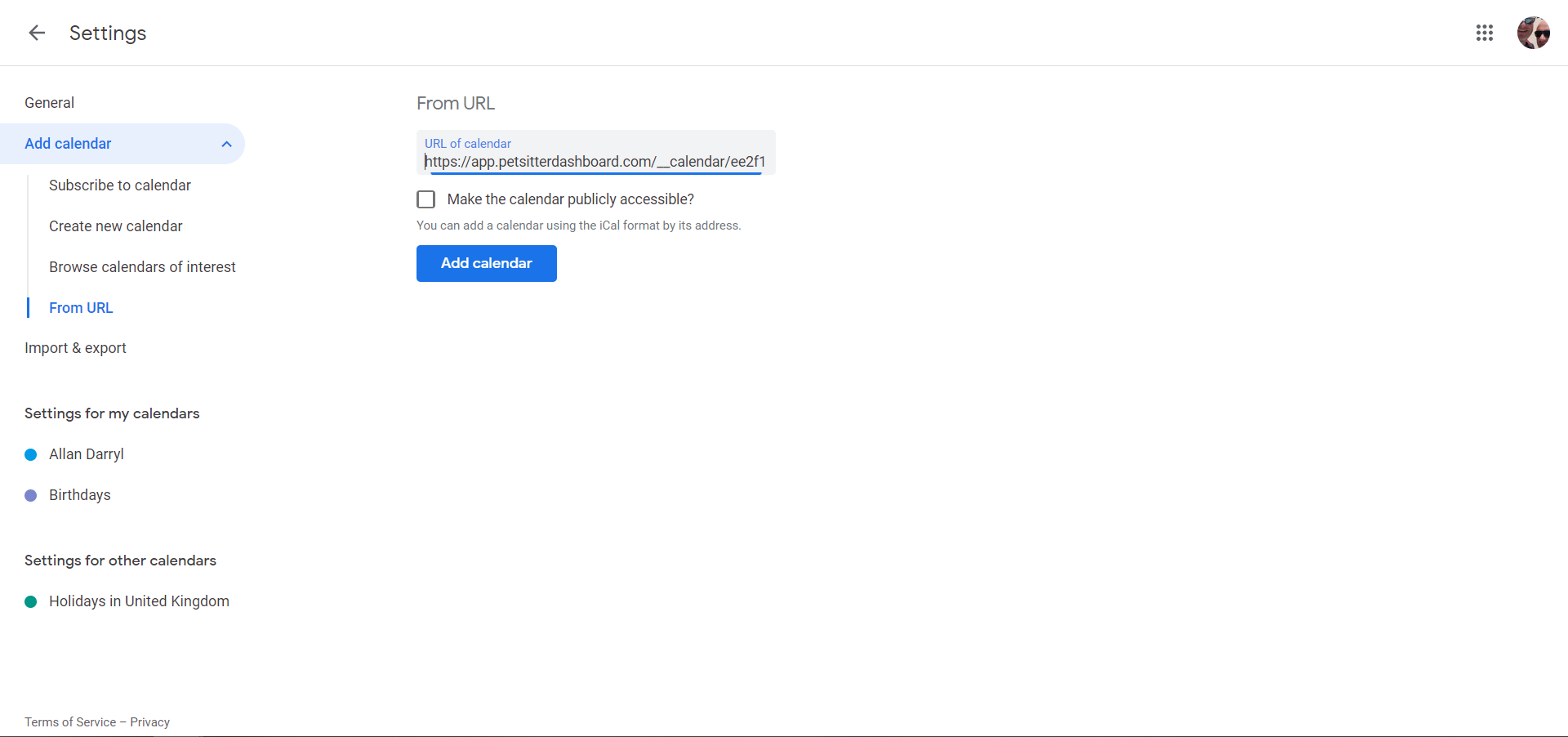
Google Calendar
To add your pet sitter calendar to Google
- Go to Google on the web
- Click Add other calendars
- Click From URL
- Paste your iCal address (see above)
- Click Add calendar
Microsoft Outlook
To add your pet sitter calendar to Outlook
- Go to Outlook on the web
- Click Add Calendar
- Click Subscribe from web
- Paste your iCal address (see above)
- Give your calendar a name
- Click Import

Apple Mac, iPhone, iPad
To add your pet sitter calendar to an Apple device follow the instructions on the Apple website.